
Mobile Livestock Management: Running Your Stud From Your Phone
How mobile-first cattle and sheep software lets you manage your stud from the paddock, the yards, or anywhere you have your phone.
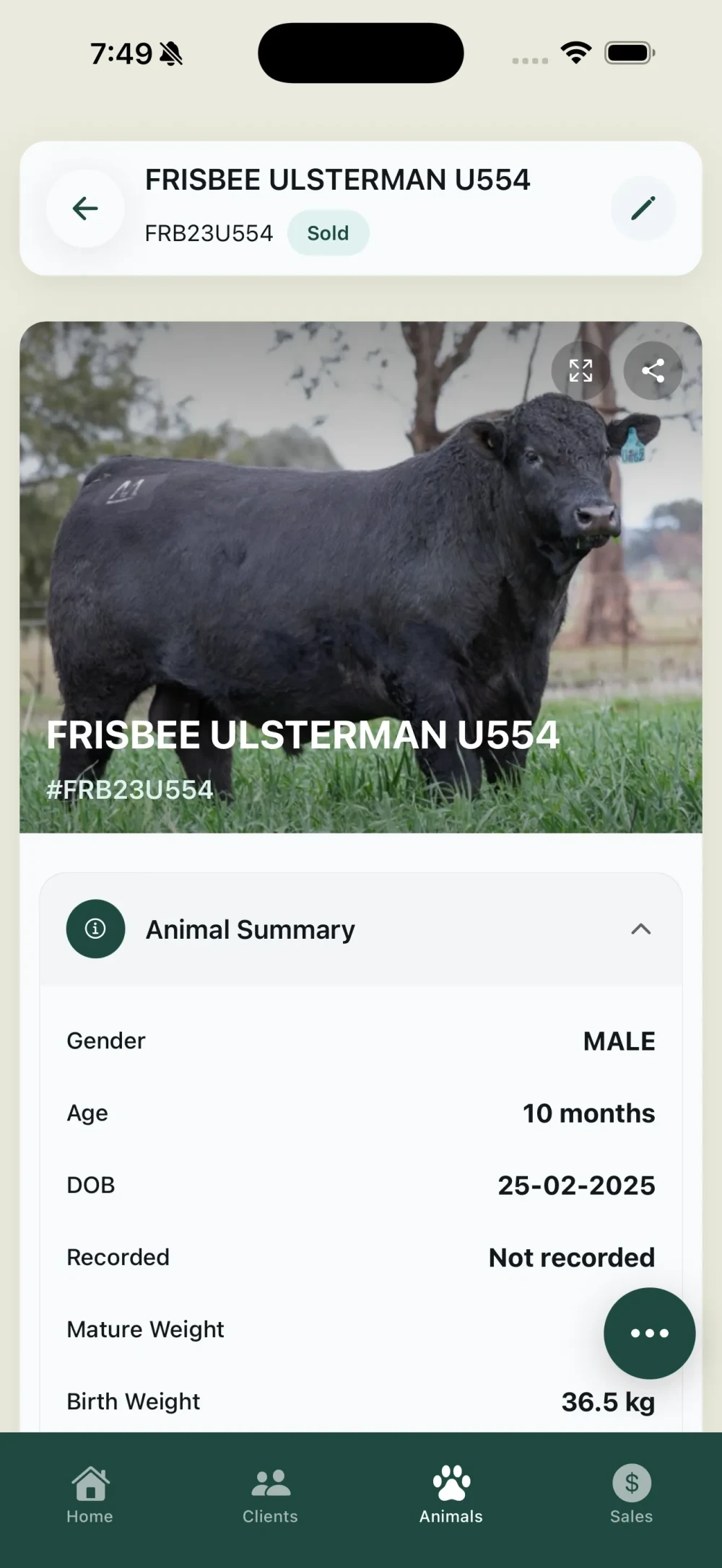
Mobile livestock management reduces data entry time by 40-60% by eliminating the transcription step - no more writing on paper then typing it up later. Industry surveys indicate stud operations using mobile-first recording report 30% better data completeness and significantly fewer errors compared to paper-first workflows.
Here’s the reality of running a cattle or sheep stud: the work doesn’t happen at a desk. You’re in the paddock checking calves. In the yards during weighing. At the kitchen table after a long day. At the sale complex coordinating lots.
So why would you want livestock management software that only works on a computer?
The shift to mobile-first livestock management apps is one of the biggest changes in agricultural technology. Let’s explore why it matters and how to do it right.
Why Mobile Changes Everything
Record data where it happens
That calf you just tagged? Enter it on the spot instead of scribbling on paper and typing it up later. Accuracy goes up. Double-handling goes down.
Access information instantly
Buyer rings while you’re in the paddock? Pull up that bull’s complete record, EBVs, and pedigree on your phone. Professional response, zero delay.
Capture photos easily
Your phone’s camera is always with you. Snap photos of animals, injuries, conditions – anything worth documenting – and attach them directly to records.
Work in your rhythm
Data entry doesn’t have to be a separate task. It happens naturally as part of your daily work flow.
What Makes a Good Livestock Mobile App?
Not all mobile apps are created equal. Here’s what to look for:
Responsive design
Your software should work on whatever device you’re using:
- Access from any smartphone or tablet browser
- Interface that adapts to screen size
- Touch-friendly controls
- Quick loading even on slower connections
Look for platforms that prioritise mobile web experience.
Quick entry interface
Entering data shouldn’t require scrolling through endless menus. Look for:
- Recent animals easily accessible
- Batch entry for processing days
- Commonly-used actions prominent
- Voice input options where helpful
Full feature access
The mobile app should do everything the desktop version does:
- View and edit animal records
- Record treatments and weights
- Manage breeding records
- Access reports and analytics
- Share information
If “full features require desktop,” that’s a red flag.
Works on your device
Whether you prefer iPhone or Android, the platform should work smoothly. Check:
- Mobile-responsive web interface
- Works across different browsers
- Regular platform updates
- Support from actual farmers
Common Mobile Use Cases
Processing day
You’re in the yards with the crush running. Record:
- Weights as they come off the scales
- Treatments as administered
- Pregnancy test results
- Condition scores
- Tag replacements
All entered once, stored permanently, synced automatically.
Paddock inspection
Walking through the calving paddock:
- Record new births
- Note any health concerns
- Photograph conditions
- Add observations
The data goes straight to the animal’s record.
Sale day
At the complex or hosting an on-property sale:
- Pull up any animal’s full details
- Answer buyer questions with data
- Record sale results immediately
- Note buyer contact details
No waiting until you get home.
Buyer enquiry
Phone rings while you’re fixing a fence:
- Access the animal in question
- View EBVs, pedigree, photos
- Email or message catalogue info
- Log the enquiry for follow-up
Professional response, anywhere.
Making Mobile Work: Practical Tips
Get a rugged case
Your phone is going to get dropped, dusty, and maybe a bit muddy. Protect it.
Use a stylus or learn to type with gloves
Cold mornings shouldn’t stop data entry.
Know your coverage areas
Identify where you get good signal on your property. Plan data entry accordingly.
Develop a routine
“After every processing day, I spend 5 minutes reviewing what was entered.” Make it habit.
Train everyone consistently
Multiple people entering data? Everyone should use the same approach.
The Desktop Question
“Do I still need to use a computer at all?”
For most day-to-day tasks, no. Mobile handles:
- Animal viewing and editing
- Data entry
- Basic reporting
- Photo management
- Communication
Desktop is still useful for:
- Complex report generation
- Bulk data imports
- Detailed analytics
- Catalogue design and printing
- Training and system setup
Think of it as mobile-first, desktop-assisted.
Integration with Other Tools
Your phone already does a lot. Good livestock apps connect with:
- Camera: Photo capture and attachment
- Contacts: Sync buyer information
- Email/Messages: Share records and catalogues
- Calendar: Breeding dates and reminders
- GPS: Location tagging where useful
The app should work with your phone, not against it.
Choosing a Mobile Livestock App
When evaluating options:
Try it in realistic conditions
Don’t just play with it at the kitchen table. Take it to the yards. Use it in the paddock.
Test mobile responsiveness
Try it on your actual phone. Is the interface easy to use on a small screen?
Test speed
Is data entry quick? Or frustrating?
Assess battery use
Some apps drain batteries fast. Check over a full day.
Check save reliability
Enter data and confirm it saves correctly. Does the system handle interruptions gracefully?
The Productivity Gain
Producers using mobile-first livestock software consistently report:
- Hours saved weekly on data entry and admin
- Better record accuracy from entering at the source
- Faster response to buyer and client enquiries
- Less frustration from reduced double-handling
It’s not about being tech-obsessed. It’s about doing the same work more efficiently.
The Bottom Line
If your livestock management software isn’t accessible from your phone, you’re working harder than you need to. The best systems let you access data from any device, record information when it happens, and keep everything in one place.
Your stud doesn’t run from a desk. Your software shouldn’t be stuck there either.
Ready for livestock management you can access anywhere?
Frisbee gives you access to your stud records from any device with a web browser. Clean interface, fast to use, and built for Australian conditions.
Related reading:
- Frisbee iOS App Now Live: Manage Your Stud From Your iPhone
- Ditch the Notebook: Why Centralised Animal Management Is the Future
Tagged
Run a sharper stud, on one platform.
Genetics, sales, clients and marketing — without the spreadsheet sprawl. Built for Australian cattle and sheep producers.
Get started with FrisbeeKeep reading
View all →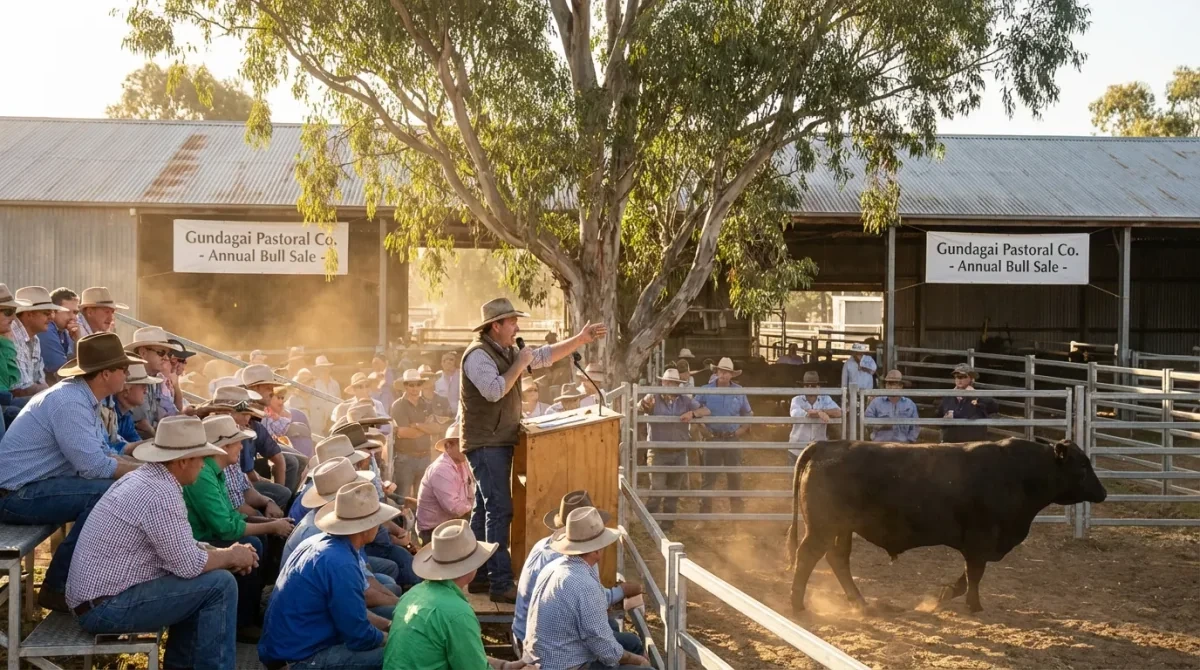
The Best EID and NLIS Tag Readers in Australia: 2026 Buying Guide
Compare current Gallagher, Tru-Test, Allflex and Shearwell EID and NLIS tag readers in Australia on price, battery, memory, and iPhone pairing.
Digital Marketing for Sheep & Cattle Studs
Digital marketing strategies that reach more buyers for your sheep and cattle stud, from email campaigns to social media that showcase your genetics.
Running a Successful Bull Sale: From Catalogue to Gavel
Master every stage of your bull sale, from catalogue creation and buyer marketing to registration, sale day technology, and analysing results.
Run your stud on Frisbee
CRM, sale catalogues, and marketing campaigns in one place, purpose-built for Australian cattle and sheep studs.
14-day free trial · No credit card required