
Frisbee Logo

Connect your stud data to your AI agent

Connect all of your animal data and client data together with your preferred AI agent. Ask a question in plain English and get an answer from your own Frisbee records.

What's in MCP ConnectionYour Frisbee records, ready for the AI agent you already use.

  • Animal Data

    Your agent can look up any animal, with its record, pedigree, progeny and EBVs.

  • Client Data

    Find a client, see what they have bought and spent, and read the notes on them.

  • Sale Results

    Check any sale, with its lots, prices and buyers.

  • Your Choice of Agent

    Use Claude, ChatGPT or another app that supports MCP.

  • One Farm Account

    A connection covers one farm account, and no connection can delete a record.

  • Disconnect Any Time

    Every connection is listed in Settings, where you can turn it off.

How it works

Up and Running in Three StepsThree steps to put your own AI agent to work.
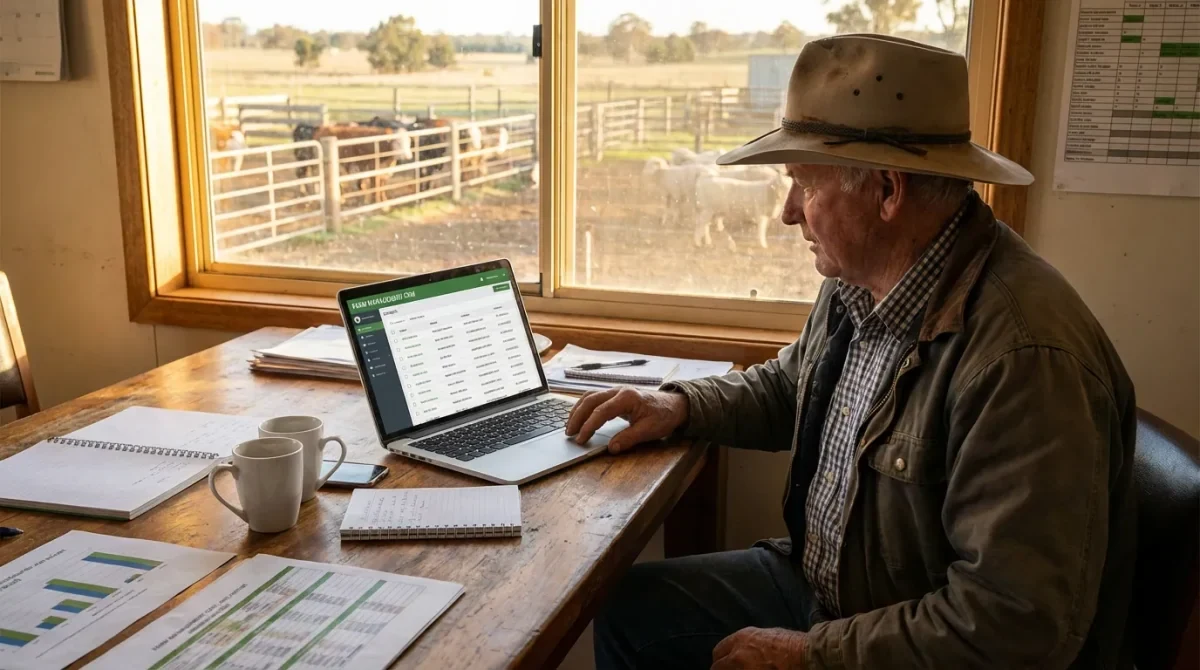
  1. 01

    Connect Your Agent

    Add Frisbee to your preferred AI agent and sign in with your Frisbee account.
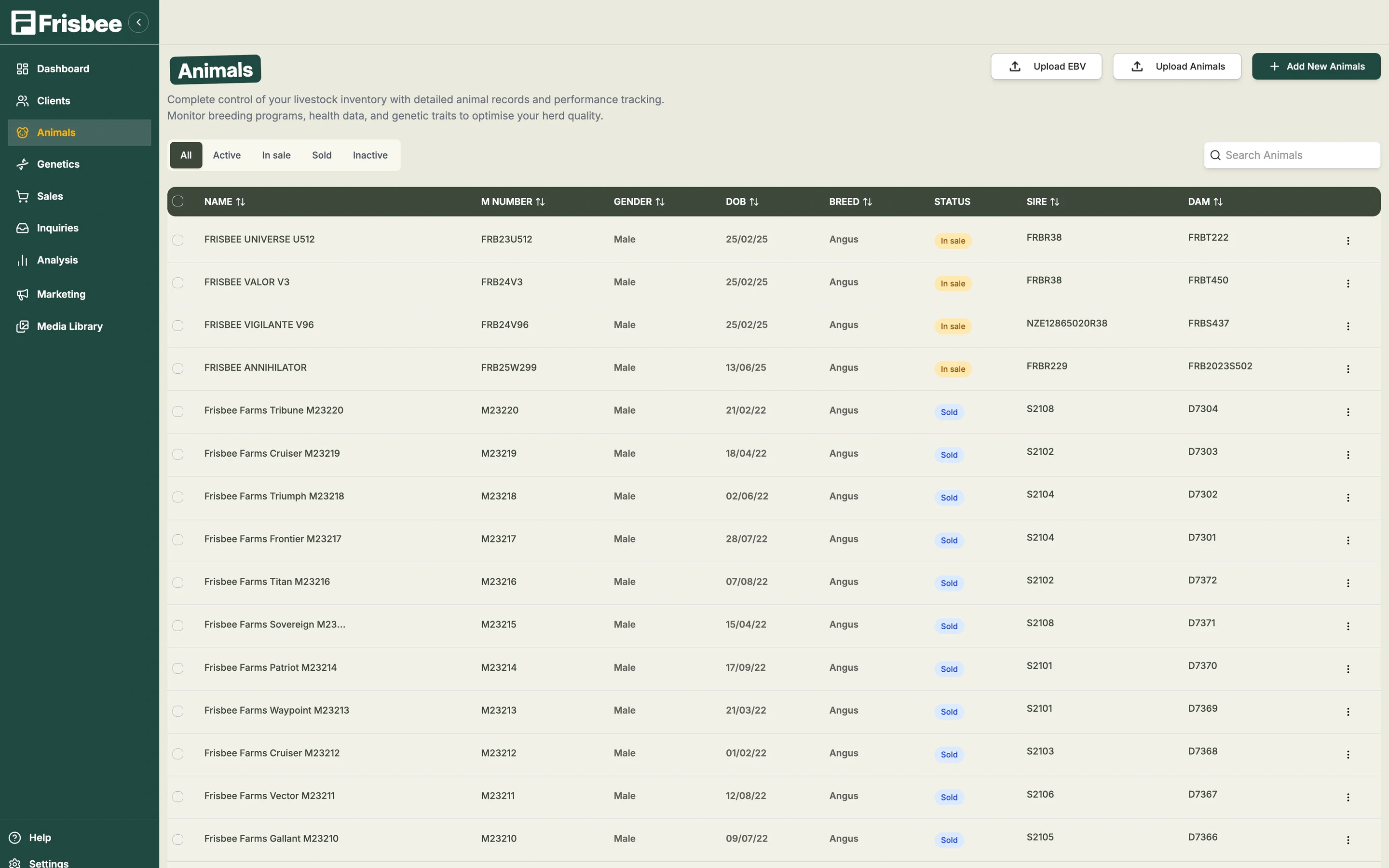
  2. 02

    Ask in Plain English

    Try "Which Angus bulls are in the top 10% of the breed for IMF?" or "Who were the top buyers at our last sale?"
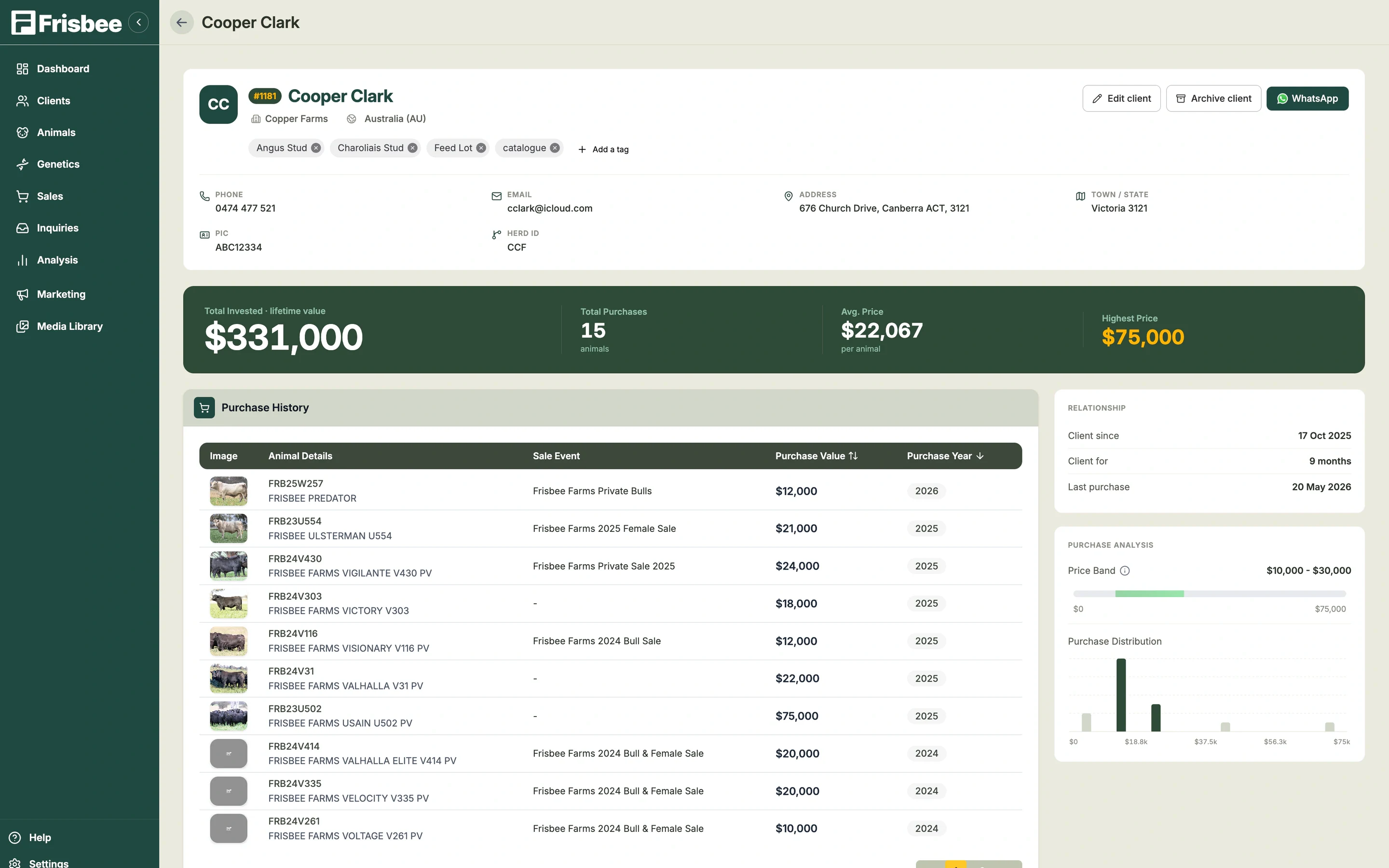
  3. 03

    Get Answers From Your Records

    Your agent reads your Frisbee data to answer, so you are working from your own animals, clients and sales.

MCP Connection FAQsCommon questions about connecting Frisbee to an AI agent.

What is an MCP connection?
MCP stands for Model Context Protocol. It is a standard way for an AI agent to connect to other software. Frisbee's MCP connection lets your preferred AI agent read your Frisbee records, so you can ask about your stud in plain English.
Which AI agents can I connect to Frisbee?
You can connect Claude, ChatGPT and other apps that support MCP.
What can my AI agent see?
It can see the records in the farm account you connect: your animals with their pedigrees and EBVs, your clients and what they have bought, your sales with their lots, prices and buyers, and the notes on your animals and clients.
Can my AI agent change or delete my records?
A connection can read your records. If it has read and write access, it can also add and change them, such as adding a note to an animal. No connection can delete a record.
Where does my data go when I ask a question?
The records your agent reads are sent to the AI app you connected, and that app handles them under its own terms and privacy policy. Only connect an app you trust.
How do I disconnect an AI agent?
Open Settings, then Integrations, then AI connections. Your connections are listed there and you can disconnect one at any time. Once disconnected, it can no longer read your records.

Ask your stud data anything.Book a walkthrough or start a 14-day free trial.